Display-aware range
XDR/EDR headroom unlocks the stronger path. Standard displays use a clearly labelled, conservative fallback.
Check compatibility LuxaDownload free
A display-aware brightness boost from your menu bar. Try a useful free range on your own Mac, then choose one-time Pro only if you need more.
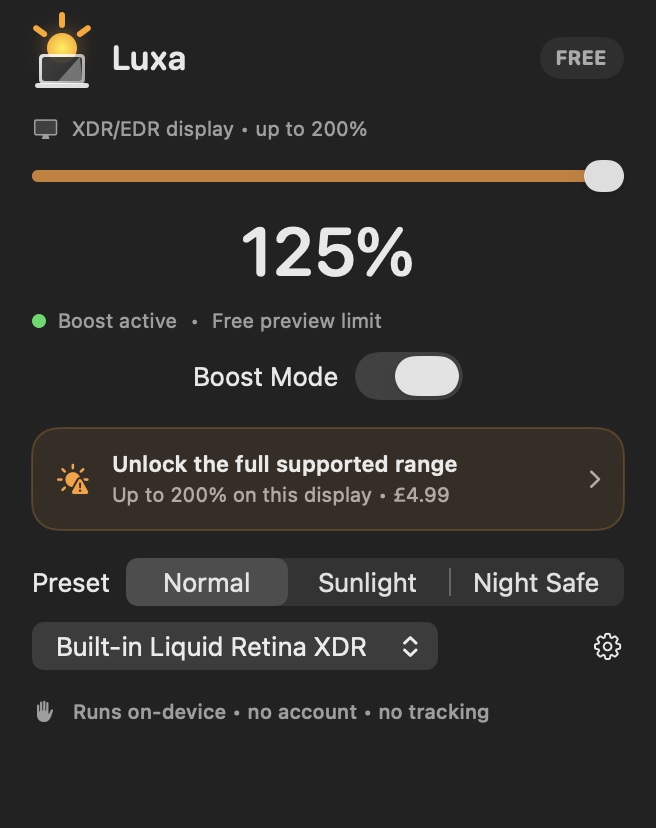
Best on XDR/EDR displays. Standard displays get a smaller, conservative adjustment. Luxa shows the supported limit before you pay.
See compatible displaysLuxa starts with the actual screen in front of you, then applies the smallest of its hardware, purchase, safety, battery, and thermal limits.
XDR/EDR headroom unlocks the stronger path. Standard displays use a clearly labelled, conservative fallback.
Check compatibilityThe slider stops at the live limit and explains whether hardware, your safety cap, low battery, or heat is responsible.
Luxa resets on sleep, refreshes after display changes, and soft-limits itself when the Mac needs to cool.
Judge 125% on a supported EDR display—or the smaller standard-display preview—on your own Mac.
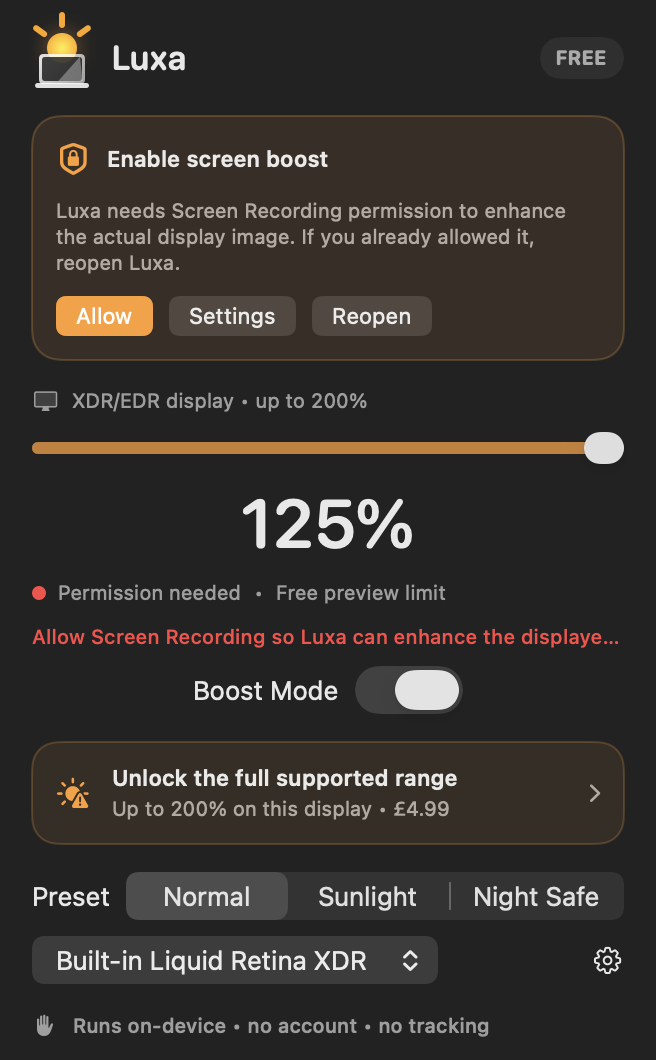
Luxa explains why capture access is needed and keeps the settings shortcut beside the request.
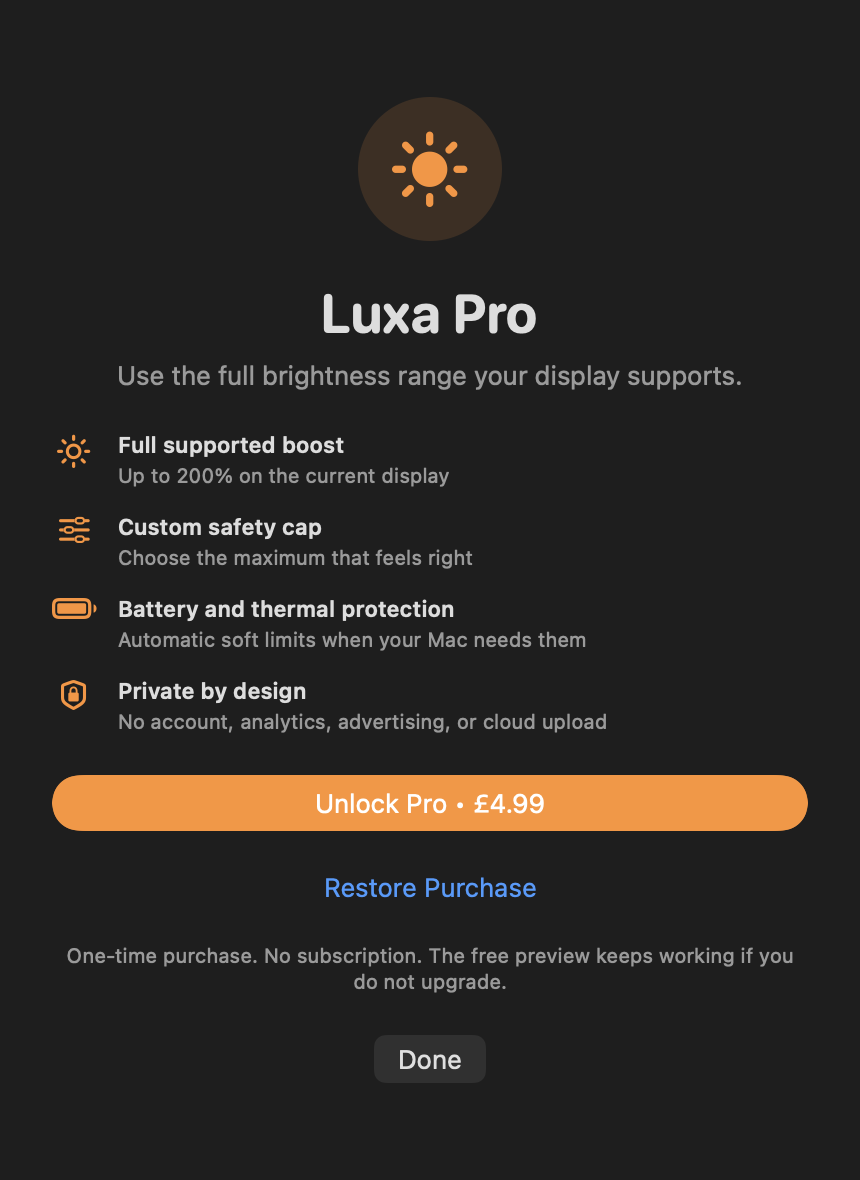
No subscription. No account. Paid 1.0 and 1.1 customers keep full access automatically.
Version 1.1.1 removes Firebase, RevenueCat, account code, cloud settings, and the network client entitlement. Display frames are used only to render the next brighter frame.
Download free and check the result on your display. Pro is optional, paid once, and never a subscription.
A real test, not a timer.
One-time UK price. Unlock the full supported range, up to Luxa’s 200% ceiling. Other storefront prices are shown in the app.
Luxa runs on macOS 13 or later. The strongest boost needs an XDR/EDR-capable display. Standard displays get a smaller 110% free or 120% Pro adjustment.
The XDR method must read visible pixels to redraw them brighter. Version 1.1.1 processes frames on-device and does not record, save, analyse, or upload them.
No. Luxa 1.1.1 is free to download, with one optional Luxa Pro purchase (£4.99 in the UK). Customers who paid for 1.0 or 1.1 keep Pro through their verified original app transaction. Other storefront prices are shown in the App Store.
No. macOS and the display remain in control. Luxa lowers its own ceiling when battery or thermal conditions require it.
Download free, check the supported range, and decide whether you need Pro. No account or subscription.